Choose an AI Tool for the Creative Job, Not the Hype
Compare AI creator tools by the production task, control, editing time, output rights, and total workflow cost.
“AI video tool” can mean very different things: generating a clip from text, animating a still image, assembling existing footage, or helping with captions and edits. Start with the job you need done, then choose the smallest tool that improves it.
Score the output you can actually publish
Write a brief for one real deliverable before opening a tool. Include dimensions, a visual constraint, and one thing that must stay editable. Run the same brief in the candidates you can access.
Worked example
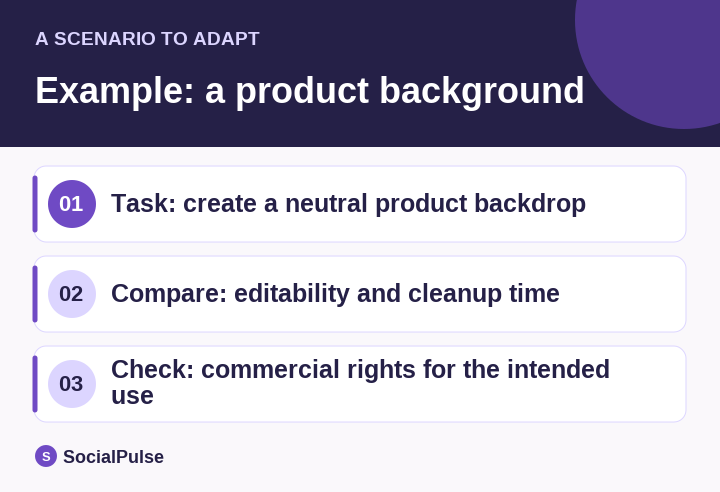
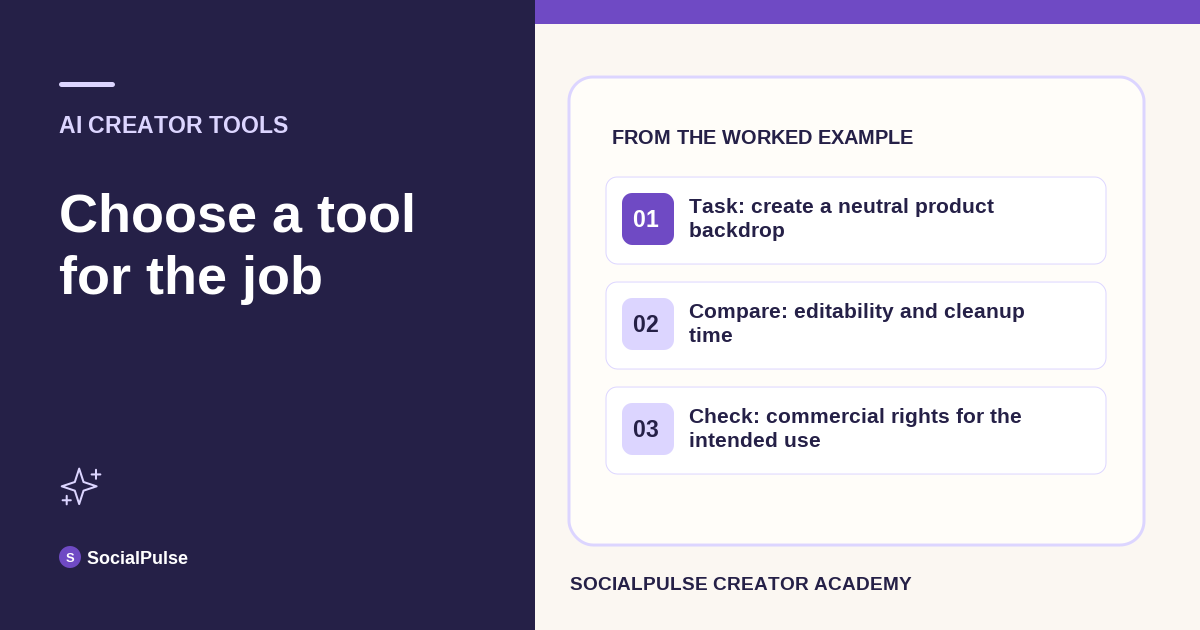
For a thumbnail background, score whether the tool leaves the requested text space, handles consistent lighting, and exports a file your editor can use. Record minutes spent fixing it, including retries.
What to do with the result
Reject an option if rights for the intended use are unclear or the result needs a full redraw. Compare the remaining choices by the time and cost of the finished deliverable.
Define the task before comparing brands
Write down the input you have and the output you need. A creator with recorded footage may need trimming, captions, and scene organization; a designer may need motion from a still; a campaign team may need consistent product variations. These are different workflows and deserve different comparisons.
Check control, revision, and export
Look at whether you can edit the result, guide style or motion, export at the format you need, and repeat the process without starting over. A striking first generation is not enough if the final clip cannot be corrected or does not fit a vertical social format.
Read usage and rights terms before publishing
Check current commercial-use terms, attribution requirements, privacy settings, and how uploaded references are handled. Tool plans and features change often. Keep a source record for important claims and revisit the official product page before a buying decision.
A working guide for your next session
Name the production problem first
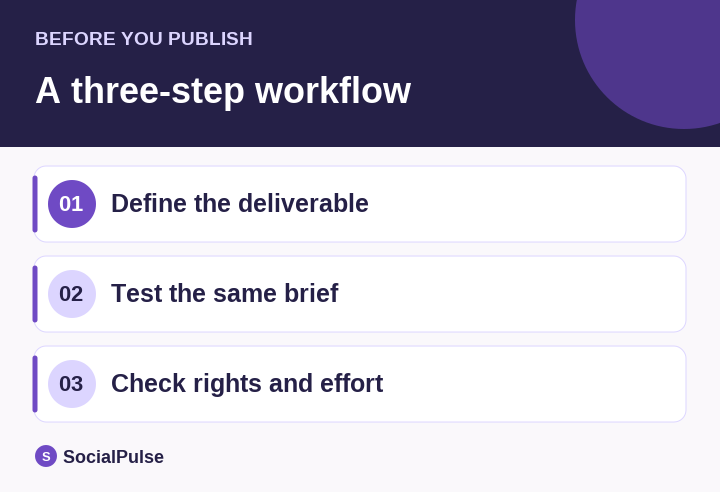
Write down the task that is slowing you down: removing a background, making a rough storyboard, generating a visual reference, or creating alternate captions. Decide what a good result must do and what still needs your judgment. A narrowly defined task makes tool comparisons more meaningful than a general search for “the best AI app.” It also shows whether automation is appropriate at all; a reusable template or a simpler edit may solve the same problem with less review.
Run a small, controlled trial
Choose one representative project and compare the tool with your current workflow. Track setup time, usable results, edits required, export quality, and any restrictions that matter to your use. Try more than one input when appropriate, but keep the brief consistent so you are comparing the tool rather than changing the assignment. Check whether the result can be exported in the format and resolution you need, and whether the free trial places limits or marks on the final output.
Review ownership, privacy, and permitted use
Before uploading client, customer, or unreleased material, read the service’s current privacy and retention terms. Check the license for generated outputs, the source material you provide, commercial use, attribution, and any restrictions on likenesses or protected characters. Rules vary by service and plan, so do not assume a feature is cleared for every project. Keep records of original assets and human edits, and avoid using a real person’s face or voice without appropriate permission.
Keep a human quality check in the workflow
Review every output for factual errors, strange details, readable text, visual artifacts, accessibility, and brand fit. For video, check motion between frames, audio, captions, and continuity; for images, inspect hands, symbols, small text, and edges at full size. Treat generated material as a draft until it passes the same standards as other work. If it does not save time after careful review—or makes the message less distinctive—drop the step. The creator remains responsible for what is published.