Use TikTok Analytics to Improve Your Next Video
Read TikTok performance data in context and translate viewer behavior into one practical change for your next post.
A view count tells you that a video was watched, but it does not explain why. Analytics become more useful when you connect them to the editing and storytelling choices you made before publishing.
Translate the drop into an edit note
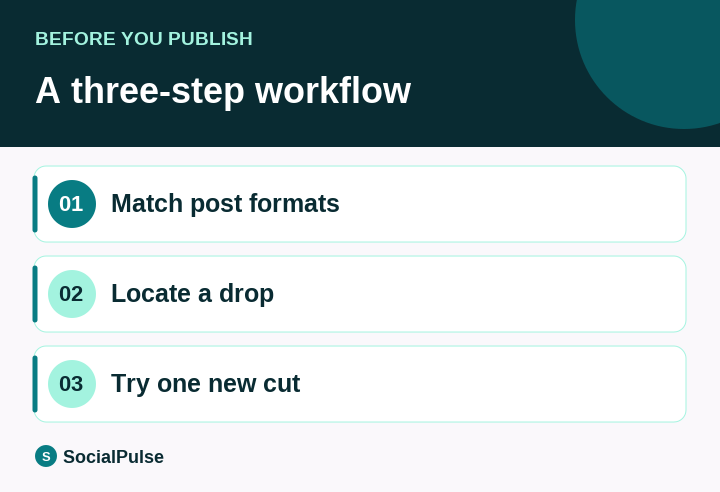
Group your own videos by format and runtime. If watch time is available, divide average watch time by length as a rough comparison between similar clips. Treat this as an average, because replays and different viewing paths can affect the number.
Worked example
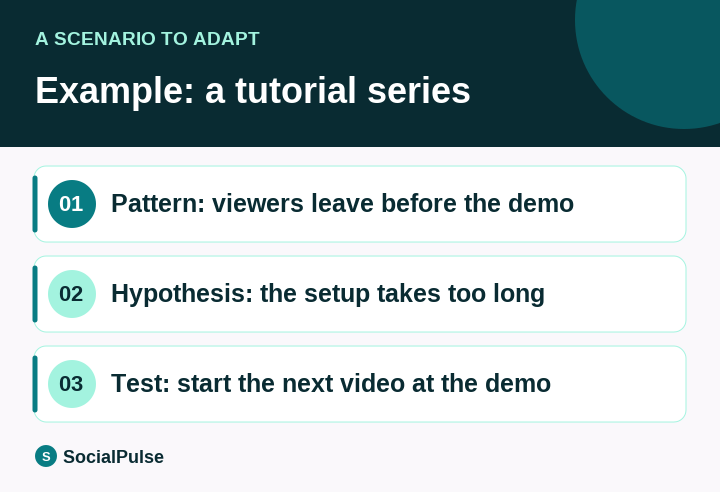
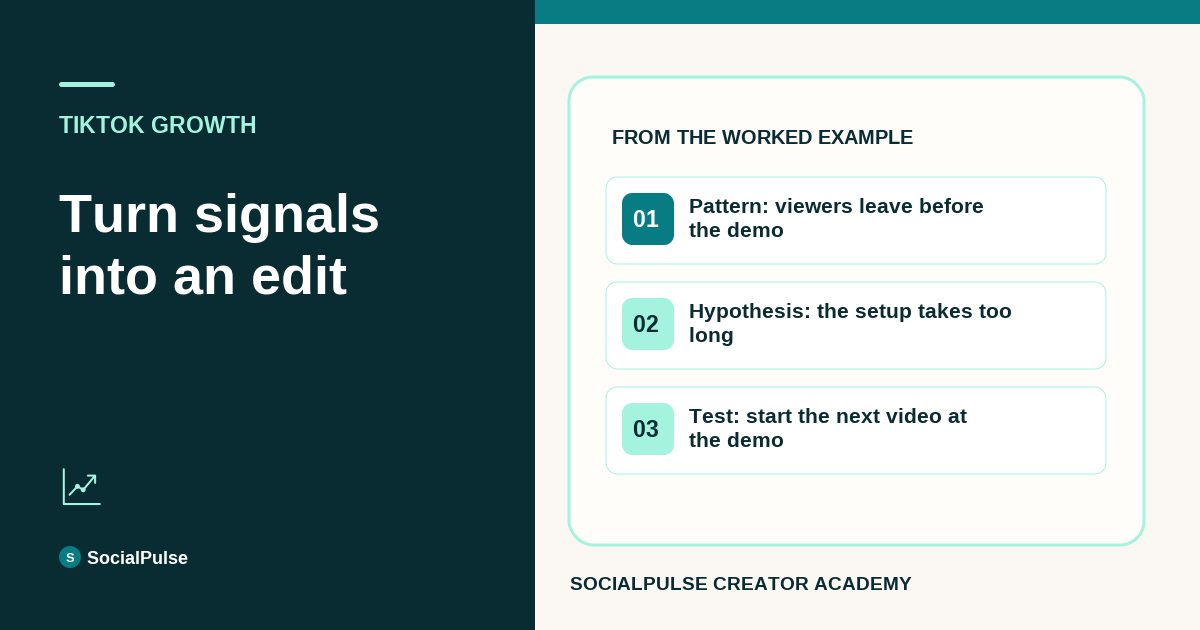
A 20-second demo averages eight seconds and a 40-second tutorial averages twelve. Those are 40% and 30% of their respective runtimes. That alone does not show where viewers left. Match any available retention detail to the edit and inspect what is on screen at the dip.
What to do with the result
If the dip starts during the explanation before the result, move the result forward in a comparable clip. Change just the opening and record whether the same point still loses attention.
Review available public posts for context. Use your own TikTok analytics for watch time and retention.
Open the TikTok analyzerLook for the moment viewers respond to
Where available, inspect watch time and retention alongside the video’s structure. If people leave before the explanation, the opening may be unclear or too long. If attention falls after the main point, the ending may repeat what viewers already understood. Treat these as clues to investigate, not verdicts.
Read comments as qualitative evidence
Comments can reveal confusion, interest, objections, and vocabulary your audience uses naturally. Group them by theme instead of reacting to every comment separately. A repeated question may suggest a follow-up, while a misunderstanding may mean the original video needs clearer framing.
Run one small editorial test
Keep the topic and audience similar while changing one decision: the opening example, the on-screen text, or the order of steps. Review the next set of results after a reasonable sample. Comparing unrelated viral clips can be entertaining, but it rarely gives a creator a reliable production rule.
A working guide for your next session
Separate reach, viewing, and response
Use the metrics available in your account to ask distinct questions about exposure, how long people watched, and what they did afterward. A view count alone cannot tell you whether a video held attention or helped someone. Metric definitions can vary by product and change over time, so check the current analytics guidance when making important comparisons.
Look for patterns within comparable videos
Group videos by their purpose—quick answer, story, demonstration, or series—and compare them over similar periods. Note the opening, topic, and length so the context is not lost. A single viral result may be driven by unusual circumstances; repeated audience behavior is a better basis for deciding what to make next.
Write one next-step hypothesis
A useful note might be: “The demonstration held attention, but viewers left before the final step; next time I will show the outcome first.” That gives you an observable change to test. Keep the next video focused on one adjustment, and record what happened without labeling the result a failure. Analytics support creative judgment; they do not replace it.