Write Social Captions That Add Context to the Visual
Use captions to explain why a post matters, add detail that would clutter the visual, and invite a real response.
A caption should contribute something the image or video cannot say as clearly. It might name the context, explain a decision, list the steps, or help viewers apply the lesson to their own situation.
Add one detail the picture cannot tell
Cover the caption and list what you can already understand from the image. Then list the missing context: location, timing, ingredient amounts, or why a choice matters. Put the most useful missing detail in the first line.
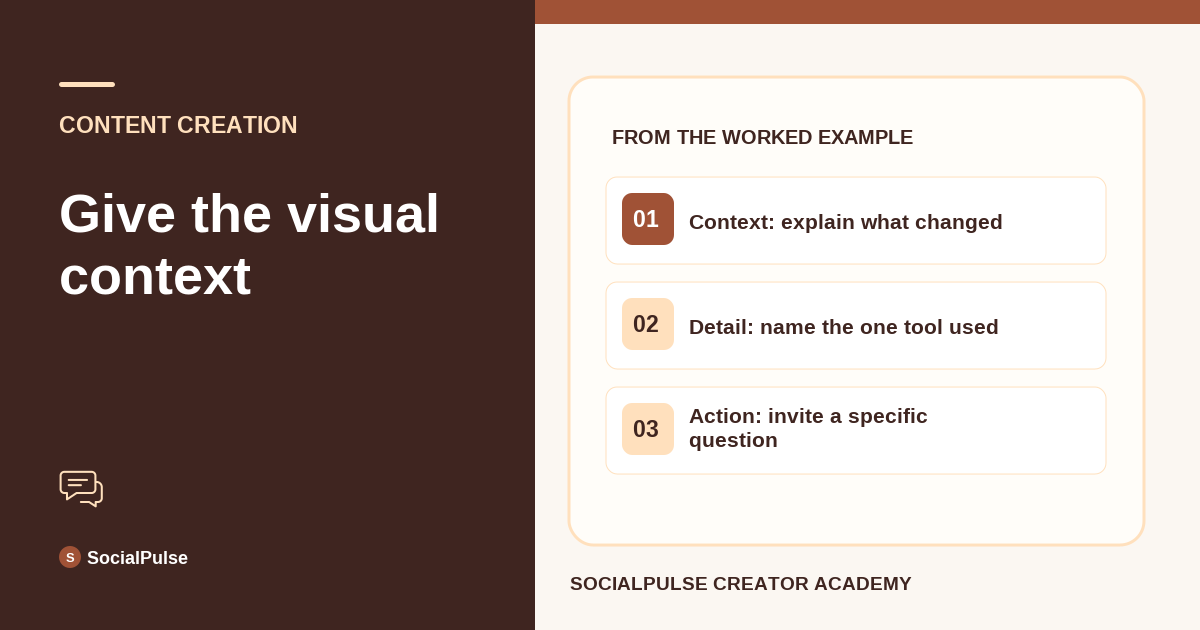
Worked example
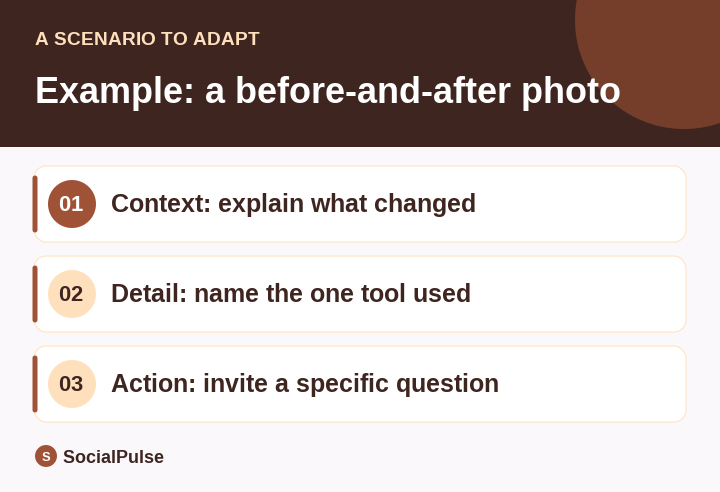
A photo shows a neat desk setup. The caption can explain that the light is bounced off a white wall because direct light reflects in the monitor. That tells a viewer something they can try.
What to do with the result
Read the caption aloud and remove any line that simply narrates the photo. End with a question viewers can answer based on their own setup.
Open with useful context
Begin with the situation or question, not a long announcement. If the video already contains the whole explanation, the caption can add a personal note or practical caveat. If key steps are easy to miss, summarize them in a readable sequence.
Make the wording easy to scan
Use short paragraphs and concrete labels when they help navigation. Hashtags should describe the subject or community, not act as a pile of unrelated discovery terms. Read the caption aloud; if it sounds like an advertisement when the post is educational, simplify it.
Ask for a response that teaches you something
A specific prompt can start a more useful conversation than “agree?” Ask which step the viewer would try, what constraint they face, or what example would help. Never promise a benefit that the post or service cannot deliver.
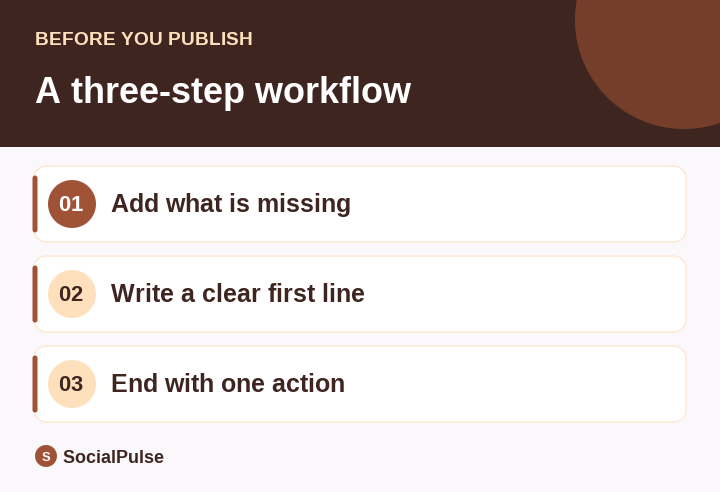
A working guide for your next session
Use the caption for what the format leaves out
A caption can explain the background, give credit, clarify a term, share a source, or offer a next step. Choose the job it needs to do before writing. If the post already contains a complete explanation, a short caption may be enough. If someone needs context to interpret the image or video, put that context near the beginning instead of burying it after unrelated details.
Make the first lines useful on their own
Readers may see only the opening before deciding whether to continue. State the subject or benefit early, and avoid padding the start with generic introductions. Use natural language that sounds like your account. A specific question can invite discussion, but it should connect to the content and be easy to answer without revealing private information.
Edit for readability and tone
Break up long paragraphs, check names and links, and read the caption aloud. Remove repeated claims and make sure the call to action is clear. Add image descriptions or accessibility context where the publishing tool allows it. Before posting, ask whether the caption improves understanding; if it only repeats the visual, revise it or keep it brief.